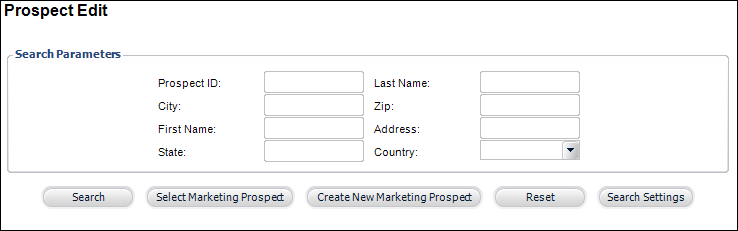
The Prospect Edit search screen displays, as shown below.
The Postal and Voting Information tab allows you to edit the postal and voting information of the customer. The voting information includes the congressional district in which the customer’s address appears.
To enter postal and voting information:
1. From
the toolbar, select Marketing & Communication
> Prospect Edits.
The Prospect Edit search screen displays, as shown below.
2. Search
for an existing prospect and click Select
Marketing Prospect or create
a new prospect.
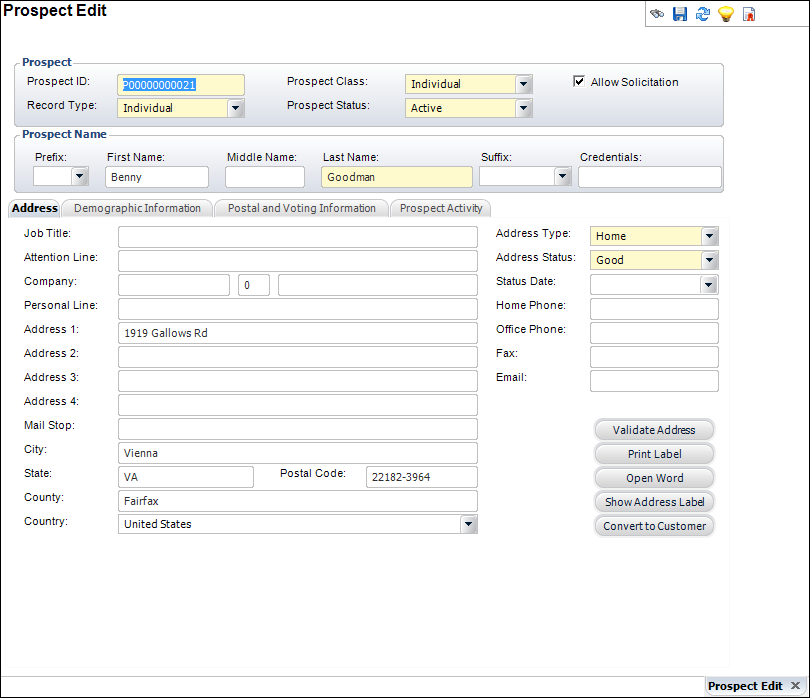
The Prospect Edit screen displays, as shown below.
3. On
the Postal and Voting Information tab (shown below), select the Postal Error Code form the drop-down.
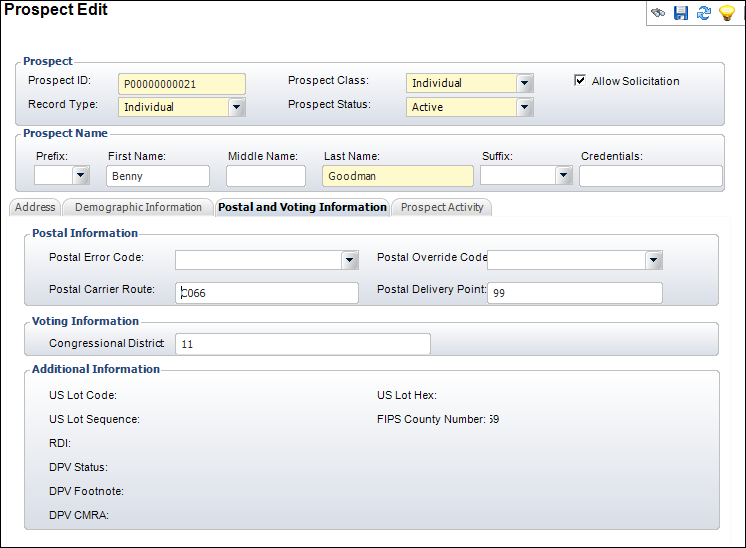
4. Enter the Postal Carrier Route.
5. Select the Postal Override Code from the drop-down.
6. Enter the Postal Delivery Point.
7. Enter the Congressional District name.
8. Click Save.
|