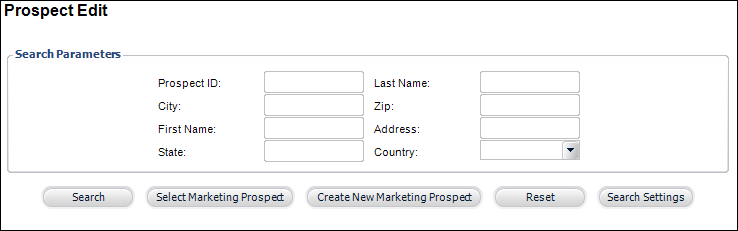
The Prospect Edit search screen displays, as shown below.
The Demographic Information tab provides detailed demographic data on a customer.
To enter demographic information:
1. From
the toolbar, select Marketing & Communication
> Prospect Edits.
The Prospect Edit search screen displays, as shown below.
2. Search
for an existing prospect and click Select
Marketing Prospect or create
a new prospect.
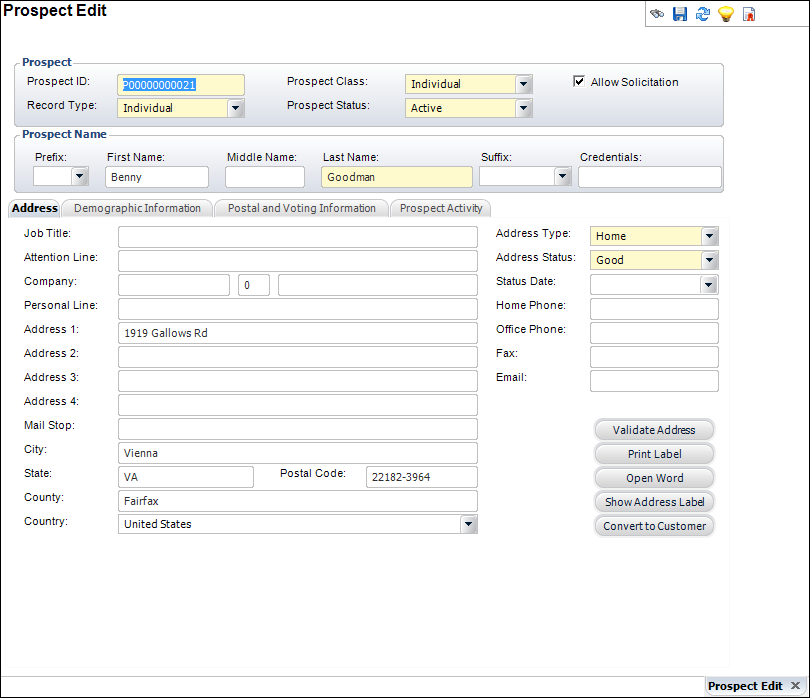
The Prospect Edit screen displays, as shown below.
3. On
the Demographic Information tab (shown below), select the Staff Range
from the drop-down.
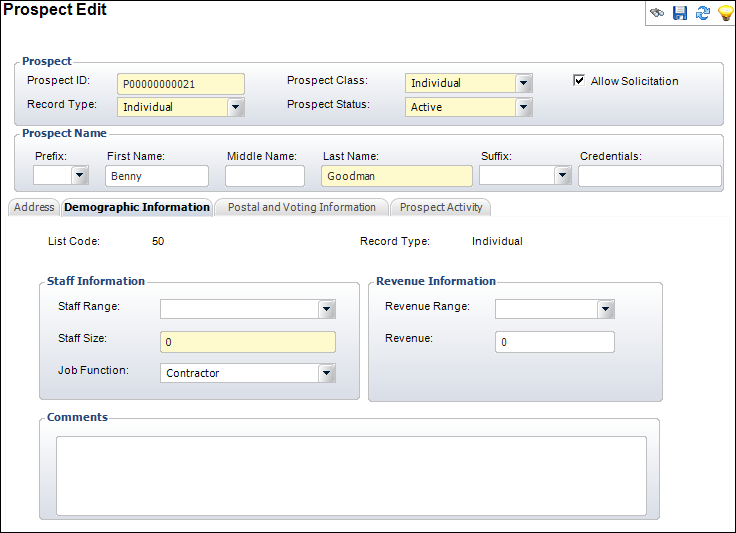
4. Enter the Staff Size.
5. Select the Job Function of the prospect from the drop-down.
6. Select the Revenue Range from the drop-down.
7. Enter information in the Comments section.
8. Click Save.
|