Configuring the Emergency Contacts Control
The Emergency Contacts control displays a list of emergency contacts for a constituent. See Configuring the Web Settings for the Emergency Contacts Control for more information on how to drop this control onto a page on your e-Business website.
Before configuring web settings for the Emergency Contacts control, it is VERY important that your back office configurations are accurate. If not, these configurations will NOT display properly on your e-Business website. See Configuring the Back Office Settings for the Emergency Contacts Control for more information on the system types and codes that need to be web enabled before setting up this control.
Customer Impact
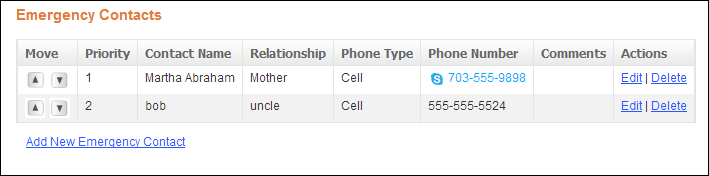
After setting up the Emergency Contacts control, your constituent will see the control similar to the one displayed below.
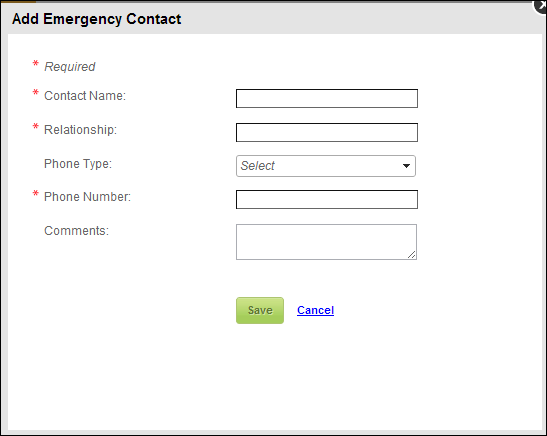
When the user clicks the Add New Emergency Contact or Edit link, the Add or Edit Emergency Contact screen displays, as shown below. Here the user can add or edit his/her emergency contact information.
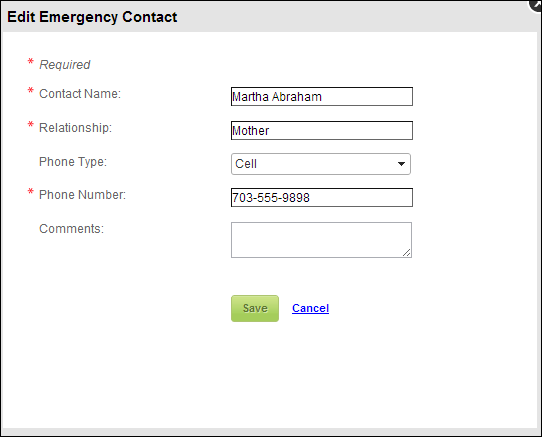
When the user clicks the Edit link, the Edit Emergency Contact screen displays, as shown below. Here the user can edit his/her emergency contact information.
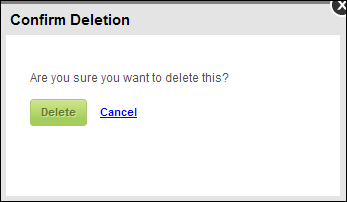
When the user clicks, the Delete link, the Confirm Delete screen displays, as shown below. Here the user can delete his/her existing emergency contact information.