Before
continuing, make sure you are in the Awards Administrator persona.
Before
continuing, make sure you are in the Awards Administrator persona.
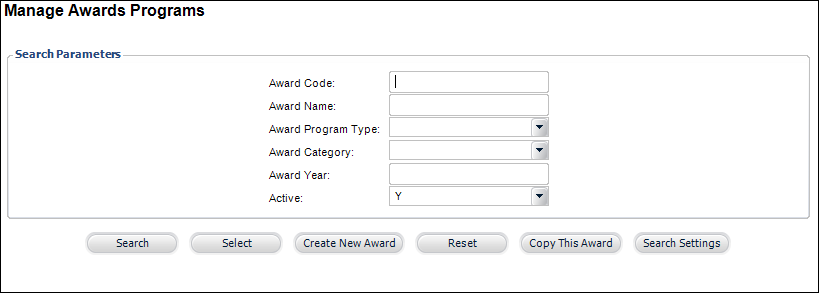
From the Manage Awards Programs search screen, you can:
· Search for an existing awards program
· Create a new award
· Copy an existing award
Once an awards program has been created, nominations can be entered via the Web or back office. Nominations are entered via the back office on the Award Nominations screen. Nominations entered via the Web will be automatically be displayed on this screen as well.
Before
continuing, make sure you are in the Awards Administrator persona.
To access the Awards module to search for and create an awards program:
1. From
the main menu, select Awards Maintenance
> Manage Awards Programs.
The Manage Awards Programs search screen displays.