If the Personify WSD is accessed directly by running the executable, the developer has to sign in with the valid Personify credentials, provided that developer has the proper permissions. For more information, please see Web Services Designer Security. When the Personify WSD is accessed from Personify Enterprise "Tools" menu, it skips the authentication and authorization.
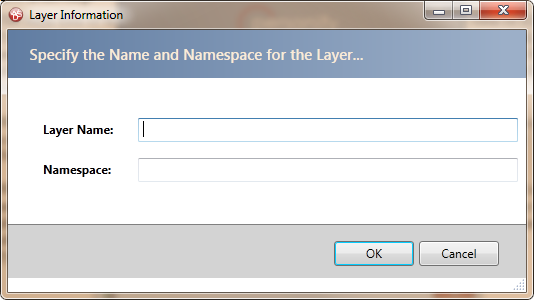
When the Personify WSD is opened for the first time against any database, it prompts the developer to create a new layer (Customer layer) to work with, as shown below. Developers will specify a name for the layer and the Namespace. The details are saved in the database.
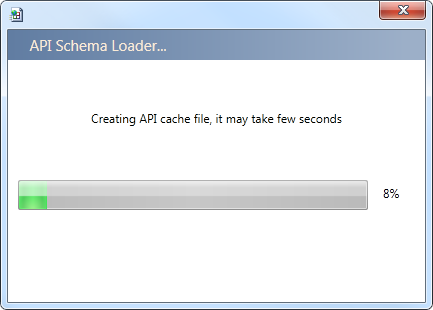
When the Personify WSD is opened for the first time on a computer, it caches the Personify API schema on the local computer in order to provide the best performance and user experience, as shown below. This may take about a minute. Please note that API cache will be automatically rebuilt whenever the Personify WSD observes any changes the Personify API assemblies, including customer layer assemblies. Typically this happens after every upgrade. For more information, please see Upgrading the Personify Web Services Designer.
The Personify WSD loads the library of Entities, Service Operations, and Associations from the selected layer.