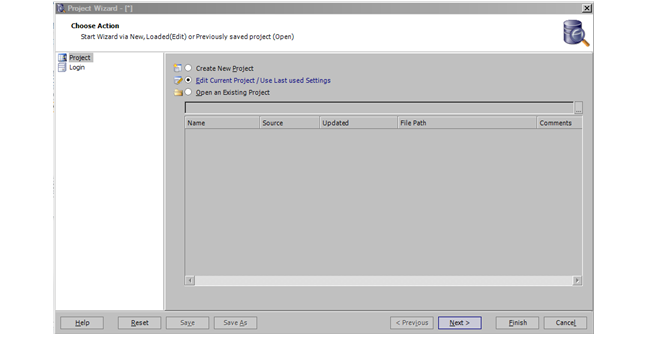
The Project Wizard displays, as shown below.
After downloading and running the ApexSQL Audit installation on your workstation or server, the ApexSQL Audit needs to be configured.
To configure the ApexSQL Audit:
1. Open
the ApexSQL Audit.
The Project Wizard displays, as shown below.
2. Select
the appropriate radio button and click Next.
The Login screen displays, as shown below.
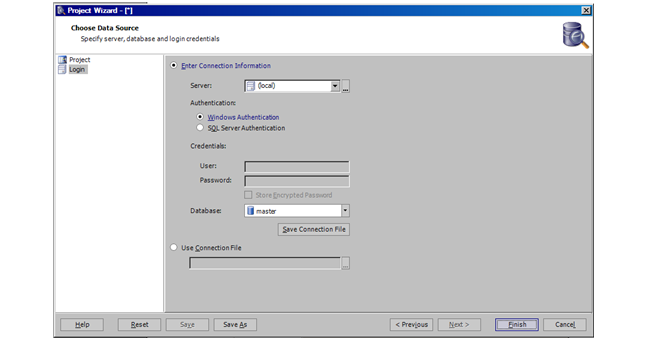
3. Specify your log-in information using the following fields:
a. Server
b. Authentication
c. Credentials (if necessary)
d. User (name)
e. Password
f. Store Encrypted Password
g. Database
4. Click Finish.
See Also: Installing ApexSQL Audit Architecture