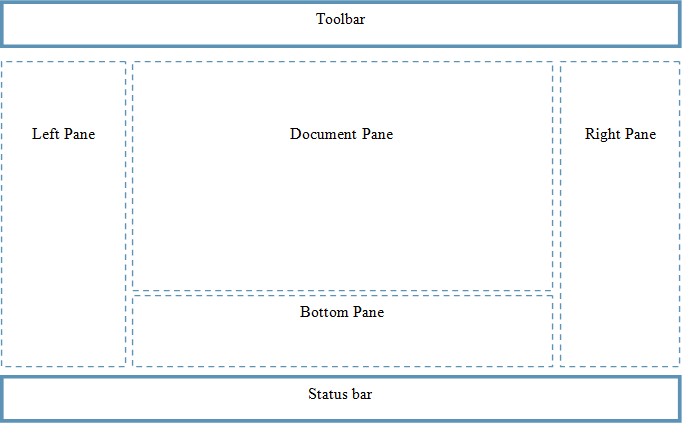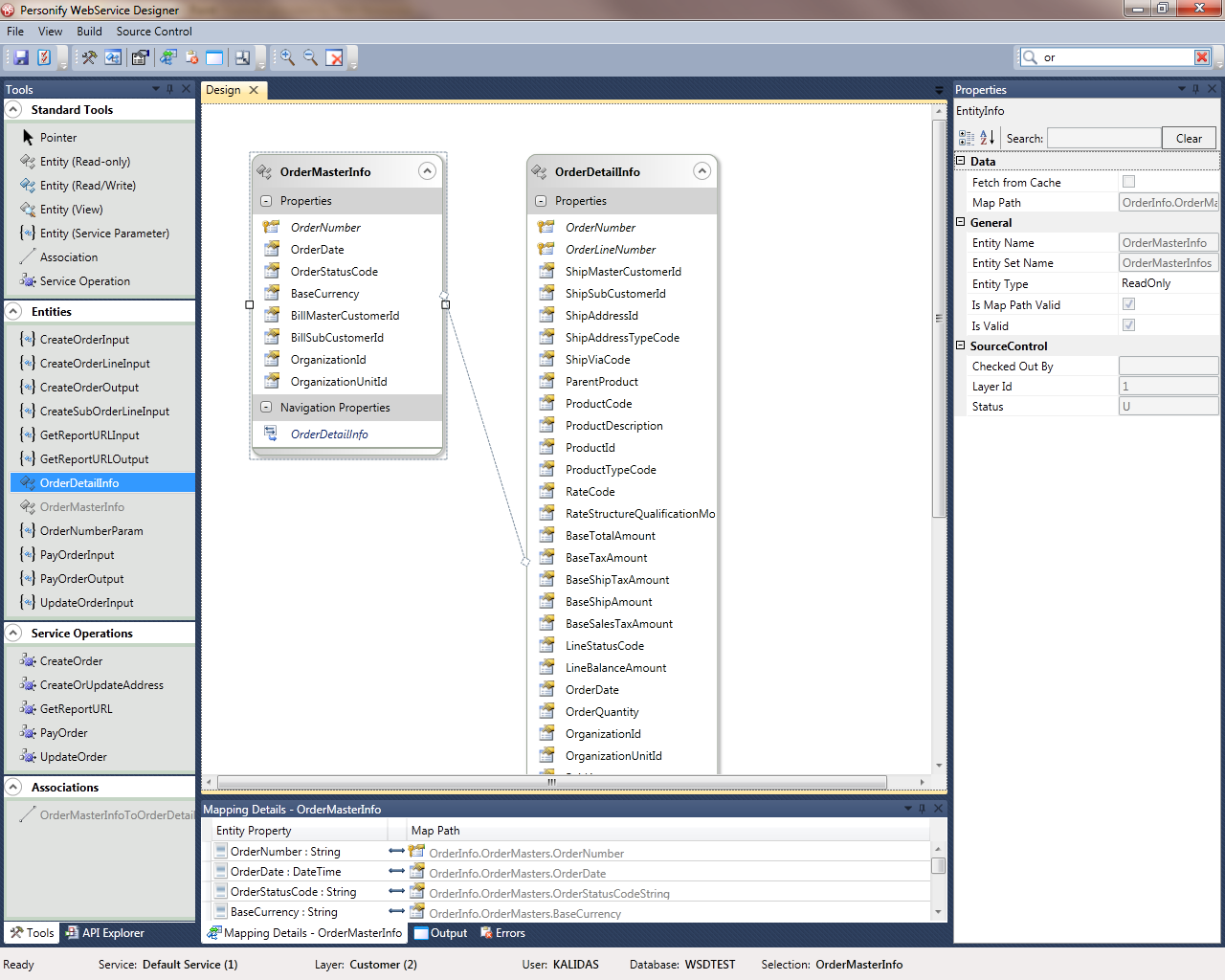
The Personify WSD has a look and feel similar to the Microsoft Visual Studio 2010 entity designer. It is built with a standard menu bar, toolbar, status bar, and dockable panes.
Developers can configure their Personify WSD work environment through the use of dockable panes. The panes listed below can be resized, docked, pinned, floated and closed. The closed panes can be reopened through View menu on the main toolbar.
Left Pane – Tools pane and API Explorer pane
Right Pane – Properties pane
Bottom Pane – Mapping pane, Output pane, and Errors pane
Document Pane – Design Canvas