The Pitney Bowes Spectrum Technology Platform Installer displays, as shown below.
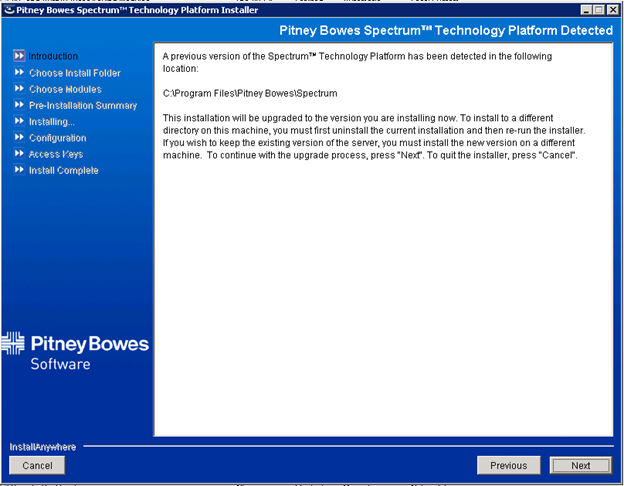
To upgrade to PBBI 8:
1. Open
the CDQ800F020203.zip file from
the following location:
ftp://ftp.tmaresources.com/Software/
2. Double-click
the install.exe file.
The Pitney Bowes Spectrum Technology Platform Installer displays, as shown
below.
3. Click
Next.
The Choose Modules screen displays, as shown below.
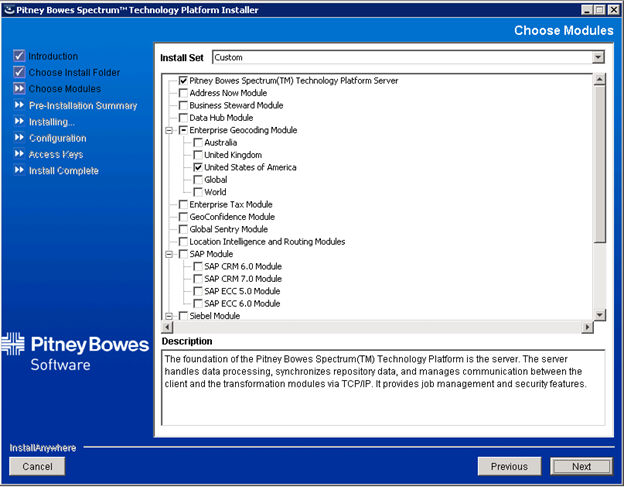
4. Select the following modules:
· Pitney Bowes Spectrum Technology Platform Server
· Enterprise Geocoding – United States of America
· Universal Addressing Module
· Universal Name Data Normalization and Advanced Matching Module
5. Click
Next.
The License Agreement screen displays, as shown below.
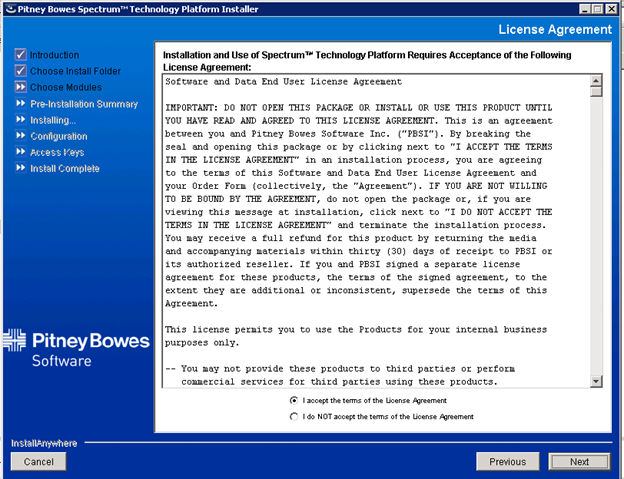
6. Select
the I accept the terms of the License
Agreement radio button and click Next.
The Pre-Installation Summary screen displays, as shown below.
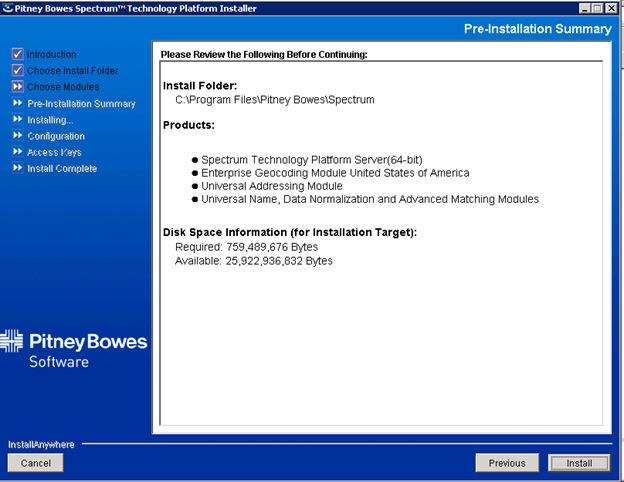
7. Click Install.