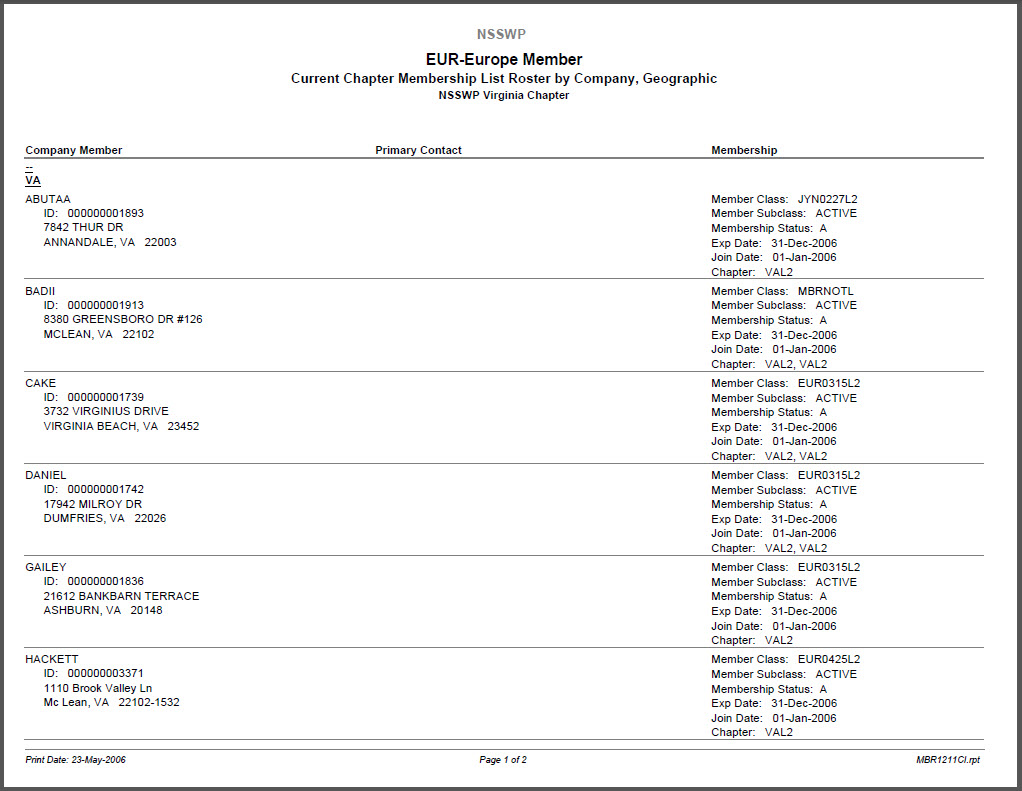
This online report lists members by chapter, then by country and state of the member's primary address, and then by member name. The report contains member information at the company level, to serve the needs of trade associations (where companies are members). When a company belongs to more than one chapter, members will appear on the roster for each chapter to which they belong. For this reason, the report selects chapter members based on current order records in the Order_Detail table, because the Cus_Membership_Info_VW only contains information about the first two chapters to which a member belongs.
When the report is run from the Membership Structure Definition (MBR000) or Membership Product Definition (MBR001) screen, the primary Member Group is passed to the report, and the user can select the chapter code(s) for which the roster is to be generated or run the roster for all chapters. The online report selects all active chapter members for inclusion in the report.
• the report is run from the Subgroup (CUS001S) screen, the chapter roster is run for the open chapter record.
Because this roster is an internal report, no communication or publish flags are checked and the organization's logo is not included in the header. Customer ID numbers are included, as is information about membership join date and expiration dates, as well as chapter and section memberships if applicable.