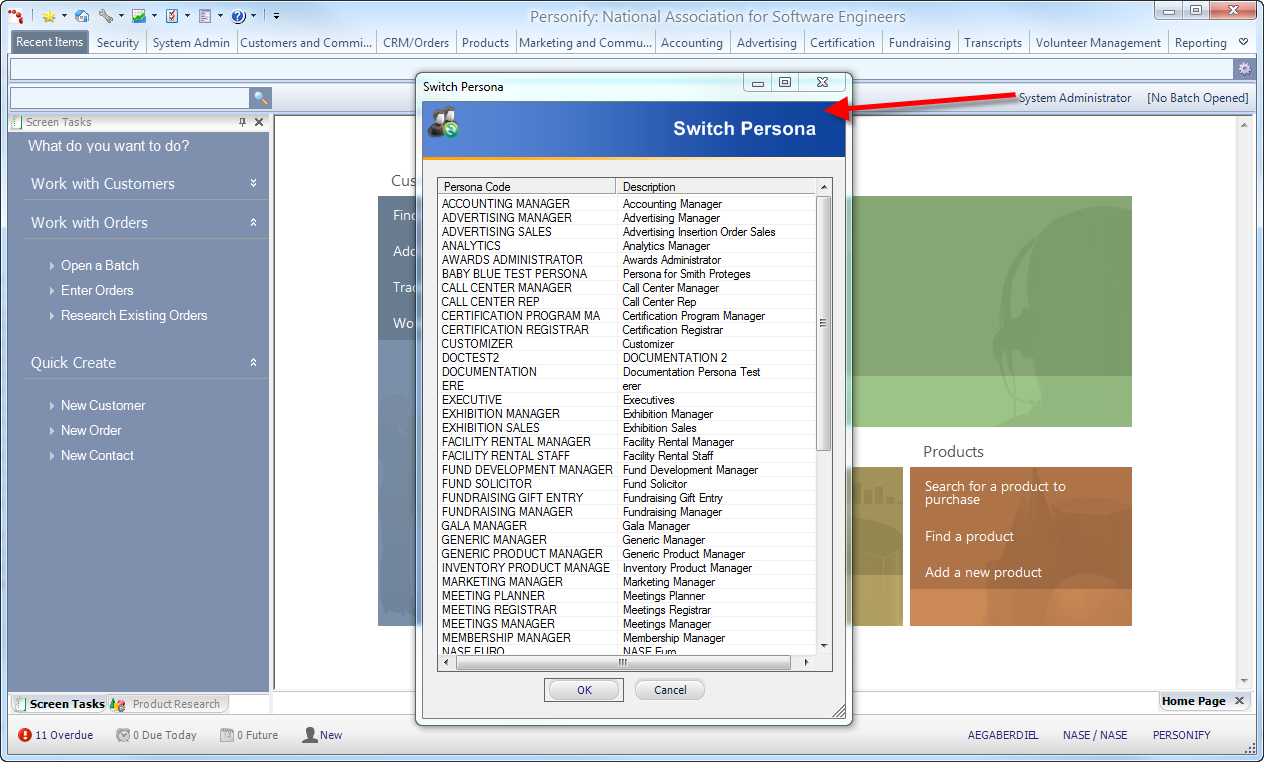
In Personify, you have the option of changing your selected persona without exiting and re-entering the application.
To perform this action, click the persona name from the top-right of the application below the ribbon bar. This opens the Switch Persona window for you to select any other persona assigned to your logged-in user ID.