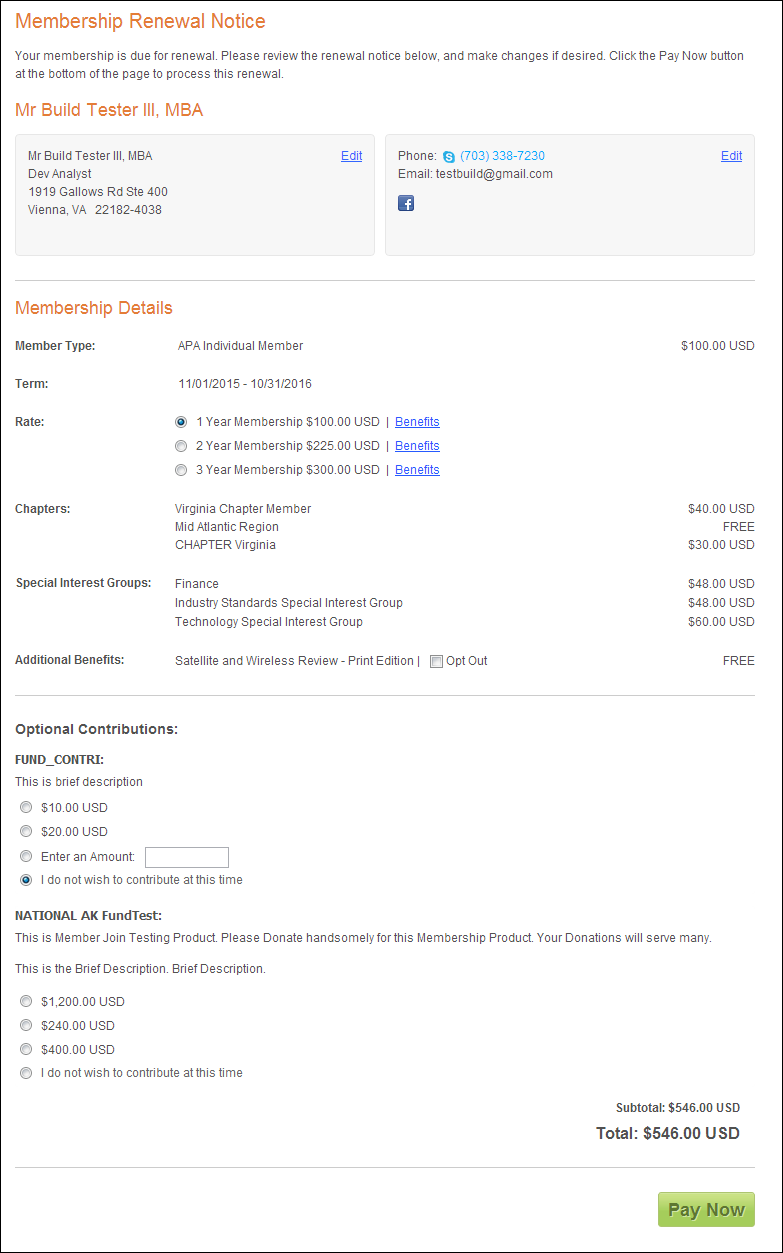
The Membership Renew control does not require any additional back office configurations. All data displayed in this control is based off your constituent's information.
The Membership Renew control will only display, as shown in the Customer Impact section, if it is time for constituent to renew his/her membership. See Configuring the Web Settings for the My Membership Renew Control for more information on how to drop this control onto a page on your e-Business website.
The Membership Renew control does not require any additional back office configurations. All data displayed in this control is based off your constituent's information.
In the back office, if the line status is Terminate At End “T”, the Renew Now button will not display in this control.
In order for the membership renewal prompt to display on your constituent's page, the batch process ORD650 for membership renewal needs to be run in the back office. See Running the Mass Membership Renew Processes for more information about the mass membership renew process.
As a best practice, it is highly recommended that you run ORD500 in order to remover expired membership renewals. This will ensure that when your constituent logs in to renew his/her membership, he/she does not see multiple years' worth of membership renewals.
After setting up the Membership Renew control, your constituent will see the control similar to the one displayed below.

When your constituent clicks Renew Now, he/she will begin the membership renewal process, as shown below.