 If
the Personify API Library is not installed for your portal, use the following
procedure.
If
the Personify API Library is not installed for your portal, use the following
procedure.
The Personify API Library is used by the web modules to connect to and call upon Personify back-office data.
If
the Personify API Library is not installed for your portal, use the following
procedure.
To set up Personify API Library:
1. Log in to Personify e-Business as a host user.
2. From
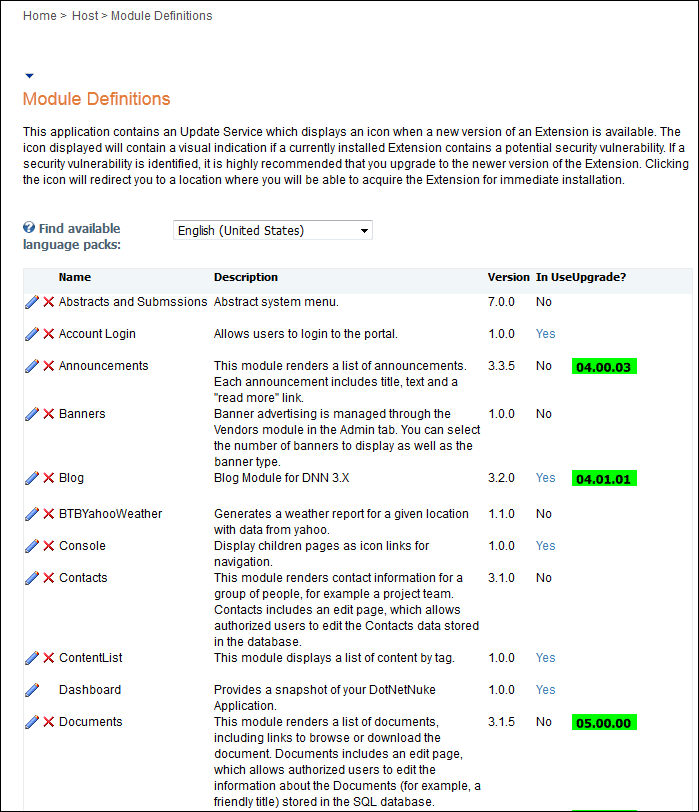
the toolbar, select Host > Module Definitions.
The Module Definitions page appears as shown below.
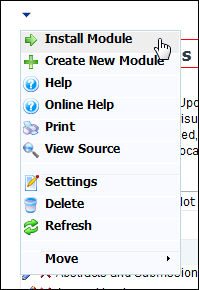
3. From
the Module Definitions menu, click Install New Module at the
bottom of the page, as shown below.
4. Click
Browse and locate the Personify API Library package as shown below.
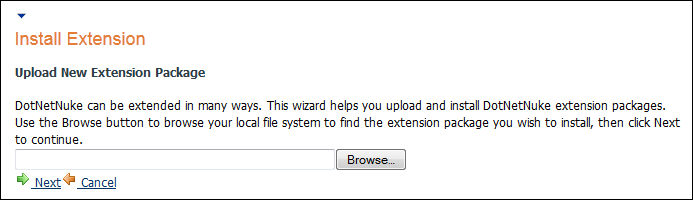
5. Once selected, click Install New Module.
6. Check
for any error messages and click Return.
Any error messages appear in red.
Once you complete the Personify API Library installation, it appears in the list of available modules in the Module Definition menu.
Unlike web modules, there are no settings to edit for the Personify API Library.