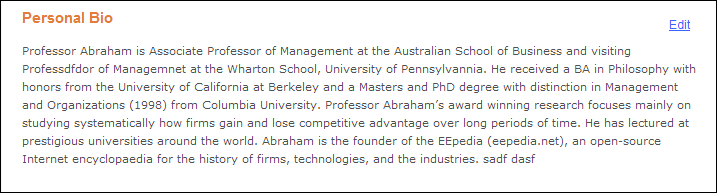
Although this information is stored in the back office, the intention of this feature is to view what the constituent added on the web.
As of 7.4.2, constituents can maintain a biography about themselves
through the Biography control in e-Business, as shown below. See Configuring
the Biography Control for more information.
Although this information is stored in the back office, the intention of
this feature is to view what the constituent added on the web.
To add the constituent's biography information in the back office:
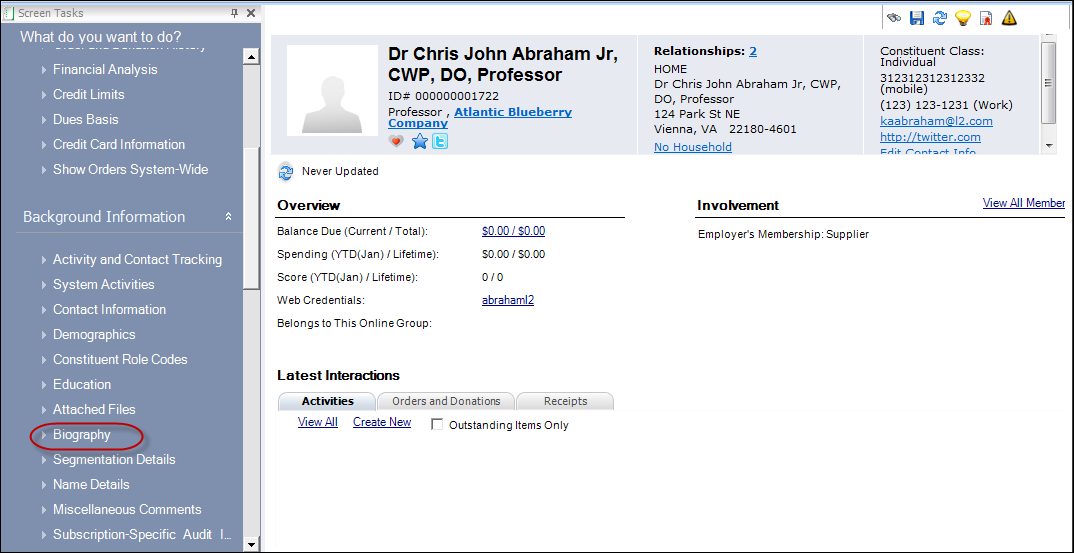
1. From
the Background Information task category in CRM360,
click Biography, as highlighted
below.
The Biography screen displays, as shown below.
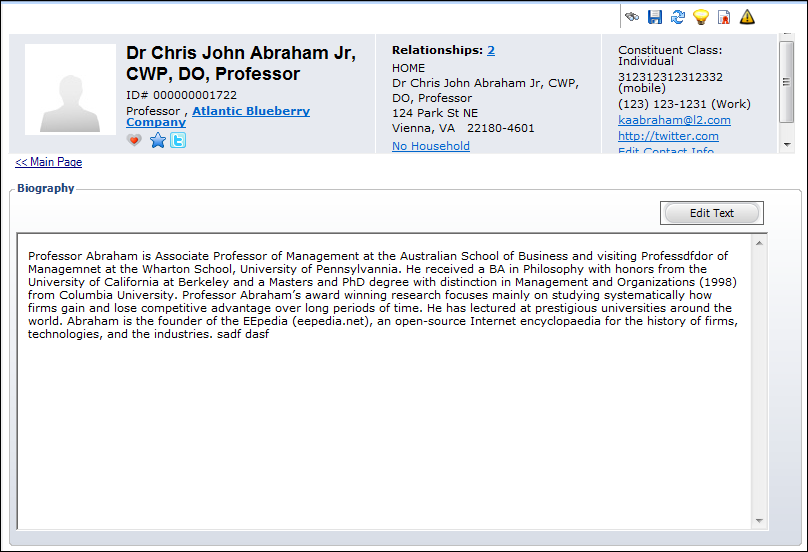
2. Click
Edit Text.
The HTML Editor Dialog window displays, as shown below.
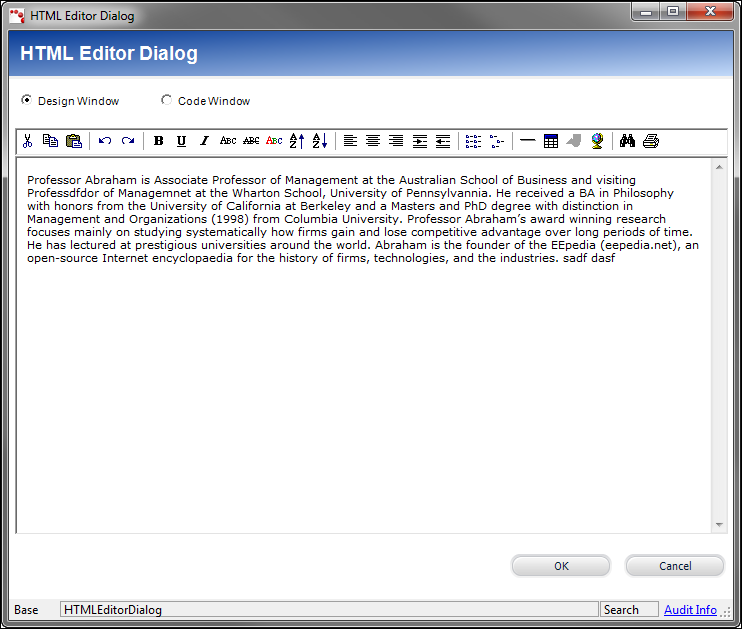
3. Add or edit the biography information of a constituent here.
4. Click OK.
5. Click
Save.
The constituent's background information is updated in the back office,
as well as on the web, as shown below.