You can make a universe accessible to all Designer users in both workgroup and enterprise mode, by saving a universe in workgroup mode. The connection for the universe cannot be a secured connection. If you want to make a universe available to all users, you must save the universe with an unsecured connection.
To make a universe accessible to all Designer users:
1. Verify
that the universe that you want to make available to all users does not
have a secured connection.
Secured connections are required to export universe to the CMS.
2. If a universe has a secured connection, select or create a new shared connection. See the section “Defining and editing connections” for more information.
3. Select
File >
Save As.
A File Save box appears.
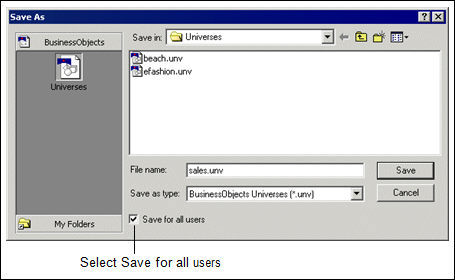
4. Select
the Save For All Users check box.
5. Click OK.