The Interface Parameter Maintenance search screen displays as shown below.

To configure and verify the Universal Addressing interface:
1. From
the Configure and Verify Interfaces (APP014) screen, click Configure
Universal Address.
The Interface Parameter Maintenance search screen displays as shown below.
 Default
values for all the parameters are already present. Hover the mouse over
the Comments column to view the comments in detail. The comments provide
a description of each parameter and specify acceptable values for certain
parameters.
Default
values for all the parameters are already present. Hover the mouse over
the Comments column to view the comments in detail. The comments provide
a description of each parameter and specify acceptable values for certain
parameters.
For more information on the Universal Addressing parameters, please refer
to “Universal
Coder Databases”.
2. To
change a parameter value, either double-click the Parameter Name or highlight
the Parameter Name and click Select.
The Interface Parameter Maintenance details screen displays like the following.
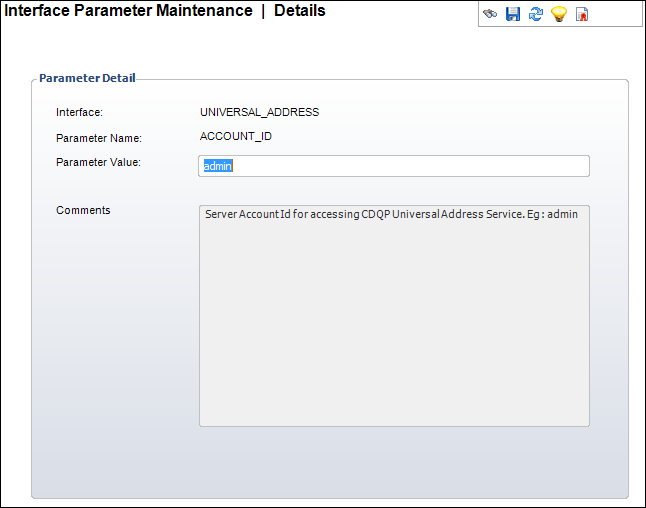
3. Type a new value in the Parameter Value text box.
4. Click Save.
5. Alter any necessary parameter values and click Save.