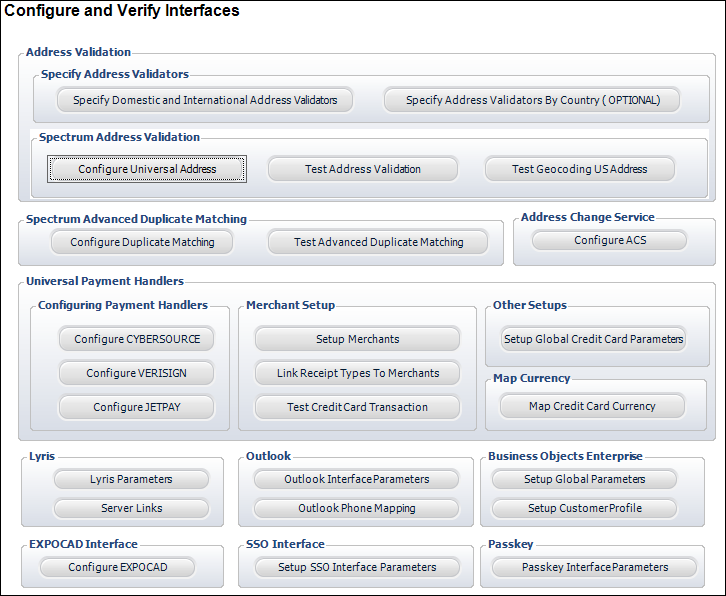
Personify includes an Interface Management module used to configure and verify all third-party interface connections.
To access the Configure and Verify Interfaces screen:
· From
the Personify toolbar, select System
Admin > Configure and Verify Interfaces. The screen will display,
as shown below.
This page allows you access to nearly all the settings required to set up and configure interfaces with licensed third-party software. The sections that follow will describe the steps involved in configuring parameters for these applications.