
This control allows you to select multiple records from a collection
and add them to a customer’s record. For example, if you have multiple
credential types that can be added to a customer’s record (Phd, CPA, JD,
etc.), you can use the MultiSelectBox to add one or more of those records
to the customer’s record. The collection of credential records displays
in the right hand side of the multi select box and you use the arrow buttons
to add as many of the records as you want to the customer record, as seen
below:
The main property controlling the MutliSelectBox is the MultiSelectBox
Binding Manager.
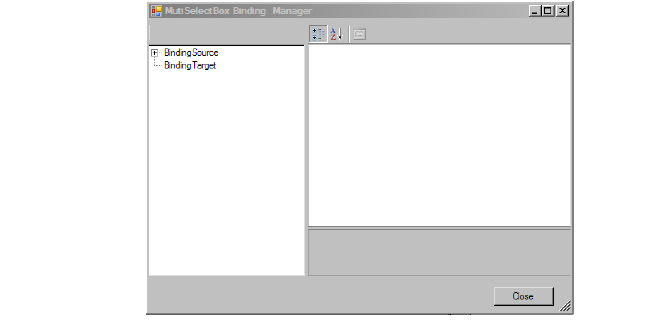
This is selected from the Misc category of the Properties toolbar.
To use the MultiSelectBox Binding Manager:
1. Highlight
Binding Source.
The Parameters for Binding Source appear.
2. Select the Collection from which you are going to be obtaining your values.
3. Select Display Member and select the property the control will display.
4. With
Binding Source still highlighted, click the “+” sign, expand the Binding
Source tree view, and highlight BindingSourceParam.
The Parameters appear.
5. Select the FilterSourcePropertyPath using the API Property Chooser.
6. Highlight
the Binding Target.
The Parameters appear.
7. Enter the StringDelimeter (For example, a semicolon, comma, etc.)
8. Select the StringPropertyPath using the API Property Chooser.