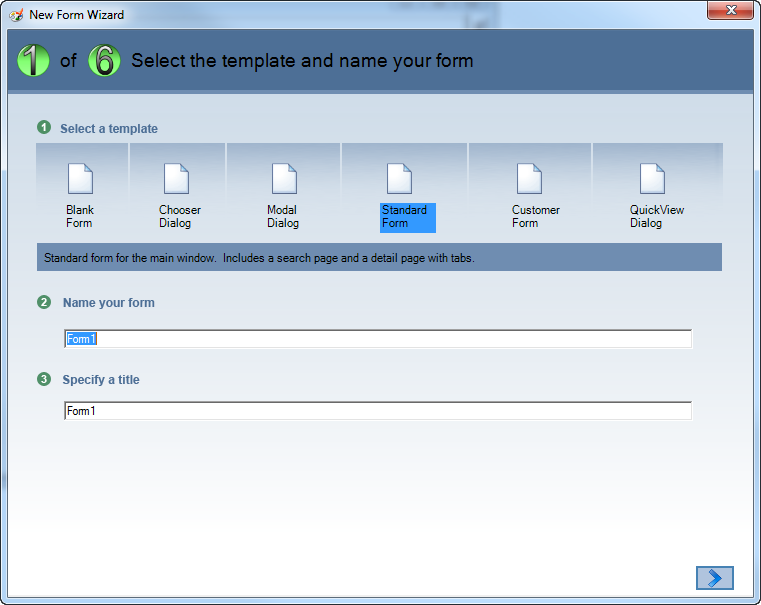
The New Form window displays as shown below.
1. Within the Personify application, from the menu bar, select Tools > Application Designer.
2. Select
File > New.
The New Form window displays as shown below.
3. Select the Standard Form and enter “HelloCustomer” (for example) in the Name text box.
4. Click
OK.
The new form opens in the designer.
