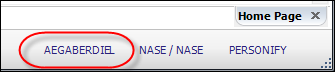
This text displays the user name of the current logged in user.
You can change the user name you are currently logged in as by clicking the logged-in user name and entering a different user’s credentials. In order to do so, you must close all open screens or you will receive an error message. The user name will appear in the bottom right of Personify, as displayed in the image below: