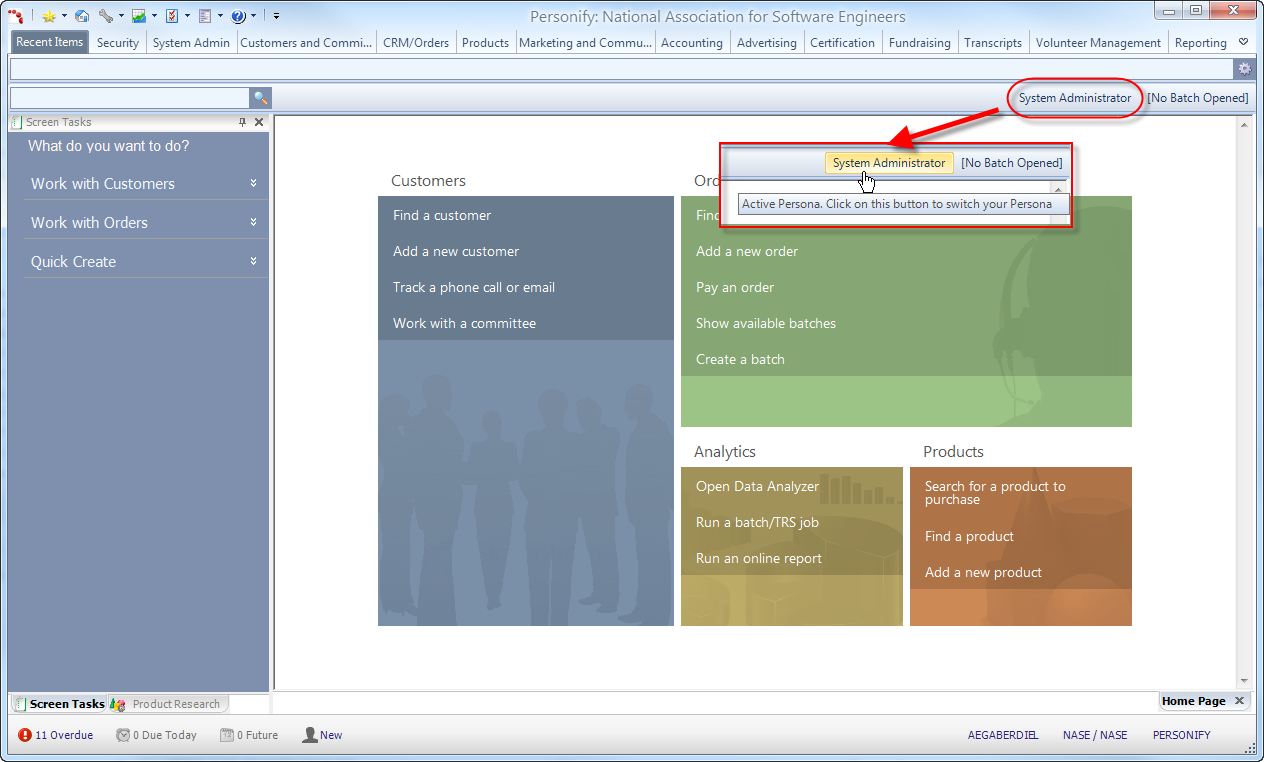
The Persona button shows the currently selected persona of the logged-in user. The available personas will differ depending on the user that is currently logged in. When you initially open the application, the selected persona is the default persona associated with the logged-in user ID. For more information, please see Defining Personas.
It is important to remember that the persona you select while logged-in can alter various aspects of your user experience such as the menu options available in the Ribbon Bar, application permissions, and even the home page.
If you want to change which persona you're currently experiencing Personify through, click the persona text to open the Switch Persona window. Only personas the user has access to will display in the Switch Persona list.