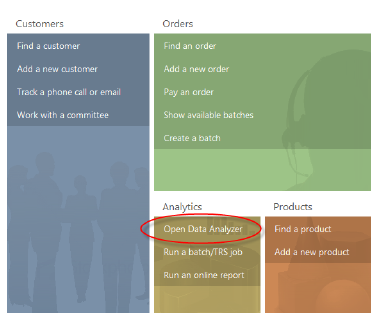
Alternatively, you can click Open Data Analyzer from the Analytics section of the Home Page.
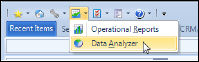
Data Analyzer is easily accessible from the toolbar in the Personify application. In fact, the Data Analyzer application is found within the Reports menu.
To access Data Analyzer:
1. Launch the Personify application.
2. From
the main Personify toolbar, click the Reports menu icon and select Data
Analyzer.
Alternatively, you can click Open Data Analyzer from the Analytics
section of the Home Page.
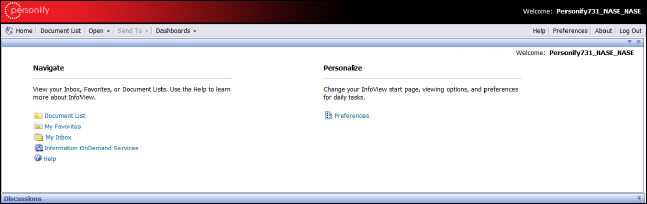
3. The
Data Analyzer application appears within the Personify application.
Data Analyzer defaults to the Infoview home page.
 TMA
Resources recommends configuring the Reports portal, which can be personalized
for each user, with content that is most appropriate to you or your organization.
For more information on customizing the Reports portal, please refer to
the BusinessObjects Enterprise XI 3.1
SP5 InfoView User’s Guide on the BusinessObjects
site.
TMA
Resources recommends configuring the Reports portal, which can be personalized
for each user, with content that is most appropriate to you or your organization.
For more information on customizing the Reports portal, please refer to
the BusinessObjects Enterprise XI 3.1
SP5 InfoView User’s Guide on the BusinessObjects
site.