You can a dashboard as your Personify homepage just as you would set a website URL for your homepage.
To set a dashboard as your homepage:
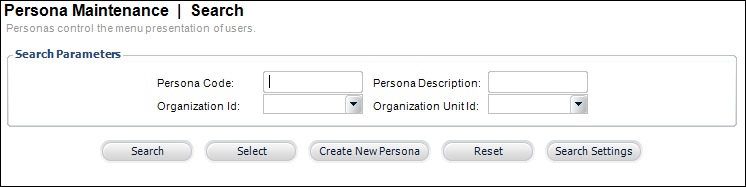
1. Open the PSM004 screen as shown below.
2. Perform a search to locate your persona.
3. Select your persona from the list and click Select.
The Persona Maintenance Details screen displays like the following.
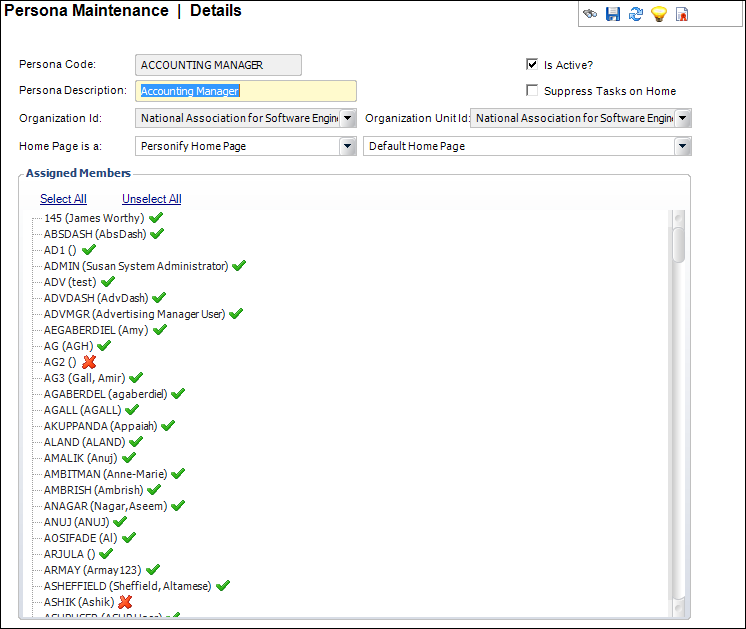
4. From the Home Page is a drop-down, select Dashboard.
5. From the drop-down to the right, select the appropriate dashboard.
6. Click Save.