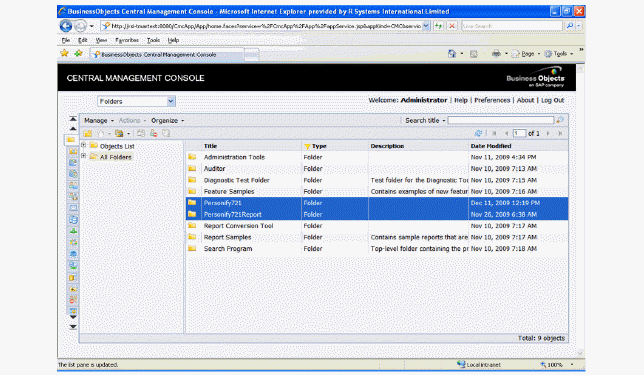
Make sure than one folder contains only the environment name and the other folder contains the environment folder and the word “report” in it, as shown below.
(i.e., Personify740 and Personify740Report)
1. Log into BusinessObjects’ Central Management Console as an Administrator.
2. Click Folders.
3. Click New Folders.
4. Create two new folders where all client environment objects are deployed.
Make sure than one folder contains only the environment name and the other folder contains the environment folder and the word “report” in it, as shown below.
(i.e., Personify740 and Personify740Report)
 This section to be combined with creating an environment folder, then added back into the normal steps after “Prepare the CMC.”