The Purge History screen displays.
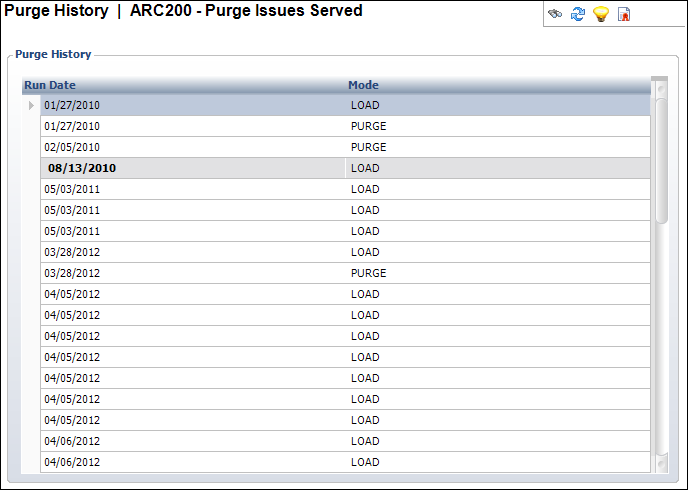
The Purge History screen (ARC002) displays the history of dates and types of purges users ran in the past. This includes successful as well as unsuccessful purges.
Viewing the purge history helps you determine whether it is necessary for you to purge again. The purge process only gathers records that existed after the last purge. Viewing the purge history gives you the date of that last purge, which gives you an idea of how many records may exist that can be purged.
To view the purge history:
1. From the toolbar, select System Admin > Purge > Purge History.
2. Search
for and select the application for which you want to view the purge history.
For example, ARC200 or ARC210.
The Purge History screen displays.
3. A list of every purge process run displays. The Purge History tables lists the following information:
· Run Date: The MM/DD/YYYY date the user ran the process
· Mode: PURGE or LOAD